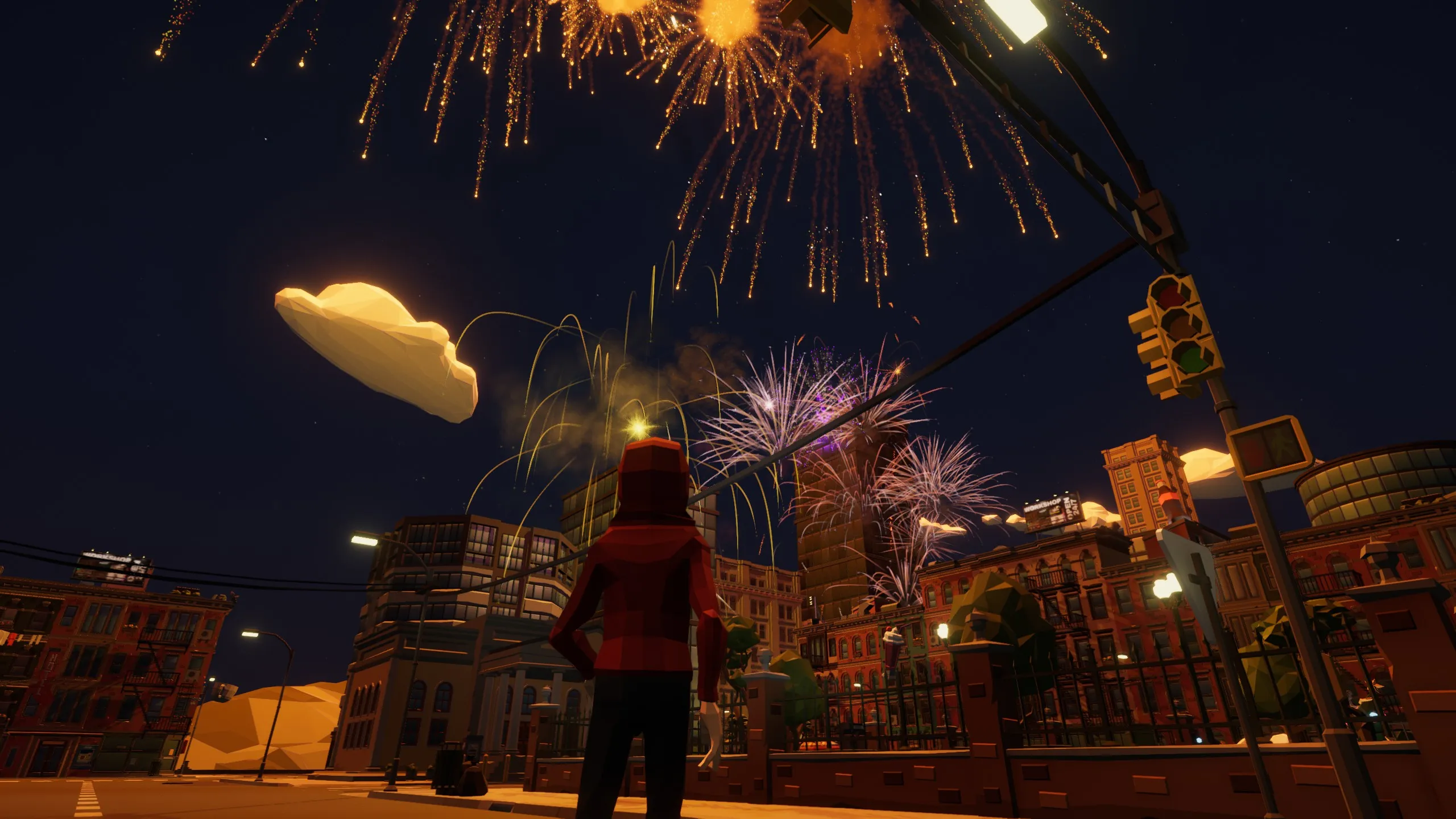
Frequently asked questions
Answers about buying, running, modding and playing Fireworks Mania.
Buying & platforms
- Is there a free demo or a free version of Fireworks Mania?
-
No. There is no demo and no free version of Fireworks Mania. The only official way to get the game is to buy it on Steam.
If you find Fireworks Mania offered as a free download anywhere else, it is not official.
- What platforms is Fireworks Mania available on?
-
Fireworks Mania is a Windows PC game, sold on Steam, and it is played with mouse and keyboard.
There are no macOS, Linux, console or mobile versions, and none are planned.
- Does Fireworks Mania support VR?
-
No. Fireworks Mania does not support VR and there are no current plans to add it. The developer has said it would have to be a separate, standalone version of the game rather than a mode added to the existing one, so it is not something to expect soon.
- How much does Fireworks Mania cost?
-
Fireworks Mania costs EUR 14.99 on Steam. Regional pricing applies, so the exact amount you see depends on your Steam store region, and the game is discounted during Steam sales.
Playing the game
- What do you actually do in Fireworks Mania?
-
There are no objectives, no score and nothing to win. Fireworks Mania is a sandbox: you place fireworks anywhere you like, wire them together with fuses that burn at different speeds, and set them off.
In practice players use it two ways. Some spend hours choreographing large, carefully timed firework shows. Others simply enjoy blowing things up and watching the physics decide what happens. Both are the intended way to play.
- What maps are in Fireworks Mania?
-
The game ships with four maps: Town, City, Ranch and Flat. Flat is a large empty plain with nothing on it, intended as a blank canvas for building big shows without anything in the way.
On top of those, the built-in Workshop has many community-made maps you can download and play on.
- Can I save a firework show and use it again?
-
Yes, using Blueprints. A Blueprint saves your whole setup so you can load it again instead of rebuilding it from scratch.
Blueprints are stored as
.jsonfiles on your PC, which means you can share a show with someone else simply by sending them the file for them to drop into their own Blueprints folder. You can open that folder from the Blueprints tab in game.
System requirements
- What are the system requirements for Fireworks Mania?
-
The minimum specification is Windows 7 64-bit, an Intel Core i5-2550k processor, 4 GB of RAM, an NVIDIA GeForce GTX 770 graphics card, DirectX 11 and 2 GB of storage.
The recommended specification is Windows 11 64-bit, an Intel Core i5-4690k processor, 16 GB of RAM, an NVIDIA GeForce GTX 1080 graphics card, DirectX 11 and 8 GB of storage.
Large firework shows are limited by your processor rather than your graphics card, because every firework, spark and prop is simulated individually. A faster CPU makes more difference than a faster GPU.
Mods & Workshop
- How do mods work in Fireworks Mania?
-
Fireworks Mania has its own Workshop built into the game, powered by mod.io. It is not Steam Workshop, and you do not need to own the game on any particular store to use it.
Open the Workshop from the main menu to browse, subscribe to and install community-made fireworks, props, maps and characters without leaving the game. The same content can be browsed on the web at mod.io.
- Can I make my own fireworks and mods?
-
Yes. The Fireworks Mania Mod Tools are free and let you build your own fireworks, props and other content, then publish them to the Workshop for everyone else to use.
The tools run inside the Unity editor, and no coding skills are required — you assemble content from the components the tools provide. Blender is useful if you want to make your own 3D models, but it is not required.
Multiplayer
- Can I play Fireworks Mania with friends?
-
Yes. The Multiplayer Update, released on 4 December 2024, added online co-op with proximity voice chat, so you can host a world and have friends join you to build and set off firework shows together.
Multiplayer is purely cooperative. There is no competitive or player-versus-player mode.
- Do mods work in multiplayer?
-
Yes. As the host you choose which of your installed mods are enabled for the session, and everyone who joins your game downloads and installs those mods automatically.
To have a mod available to select as host, you first need to subscribe to it in the Workshop.
Troubleshooting
- The game runs slowly during big firework shows. What can I do?
-
Large shows are limited by your processor rather than your graphics card, because every firework, spark and prop is simulated individually.
Lowering the graphics quality helps a little, but reducing the number of fireworks going off at the same time helps far more. Setting fireworks off in waves rather than all at once keeps the frame rate stable.
- How do I get help or report a bug?
-
The fastest way to get help is the official Discord server, where the developer and the community answer questions daily.
You can also post in the Steam Community discussions for the game.
Still stuck?
Ask in the official Discord server, where the developer and the community answer questions daily. You can also post in the Steam Community discussions.